The C920S Pro HD Webcam is appreciated for its high-definition video and compatibility with multiple platforms. However, it lacks advanced features like a speakerphone and is not suitable for group meetings.
REASONS TO BUY
High-definition video - Offers clear video quality for personal use
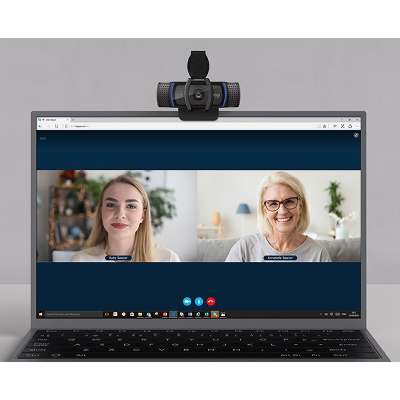
Wide compatibility - Works with various video conferencing platforms
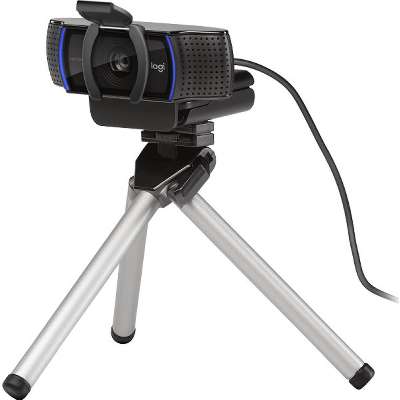
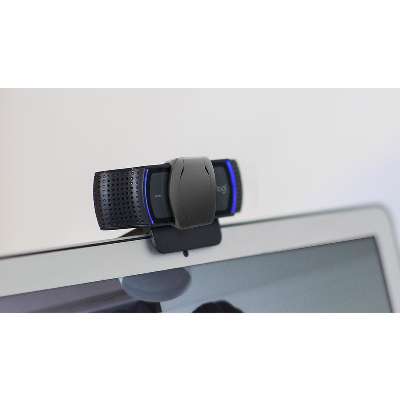
Compact design - Easy to place on a desk or laptop
CONSIDERATIONS
No height adjustment - Fixed camera position
Not ideal for group meetings - Best suited for individual use
First webcam with UVC H.264 technology - the only webcam that enables true HD 1080p video on Skype.
At a Glance
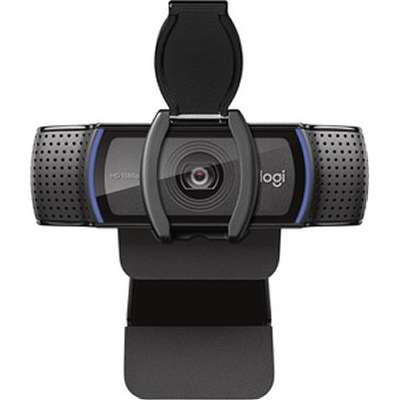
Make a strong impression in your video conference calls with Logitech C920, featuring a diagonal, fixed 78-degree field of view to frame you and your space in full HD at 1080p/30fps or 720p/30fps
Two microphones capture more realistic sound from a broader range of angles so your voice comes through sounding natural and clear in conference calls, zoom meetings, video recordings and more
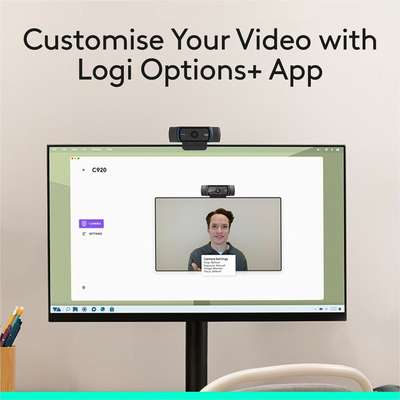
Unleash your creativity with Logitech's Capture app, allowing you to easily create, record, and customize settings with a suite of features to fully edit and customize your videos and streams
Use C920 HD Pro Webcam even in dim lighting thanks to Logitech RightLight 2 technology that adjusts to your lighting conditions, producing bright, contrasted images
The full HD five-element glass lens and premium autofocus capture razor-sharp, clear video image in consistent high definition during conference calls on Zoom, Skype and more
Overview
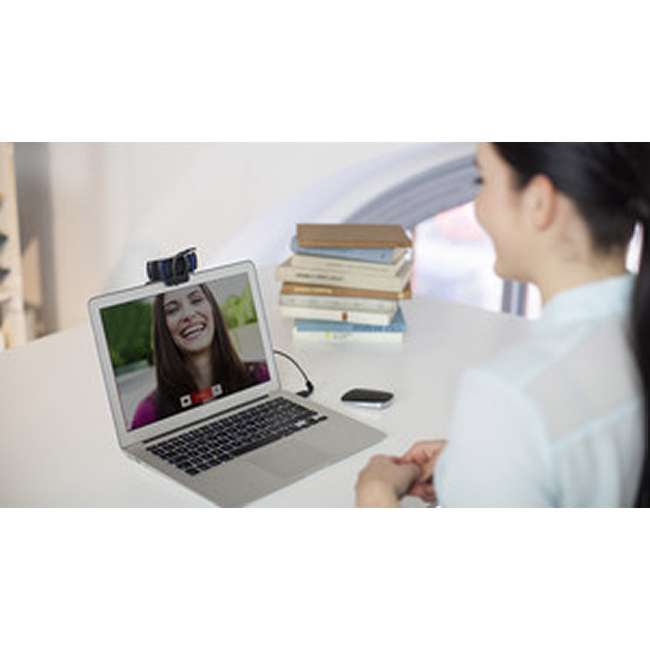
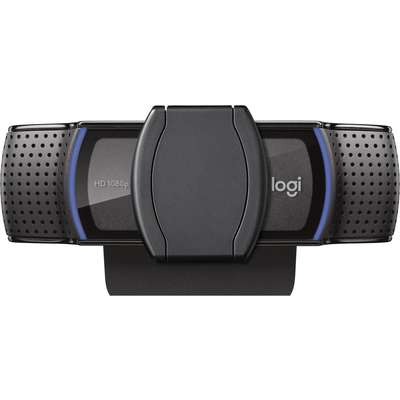
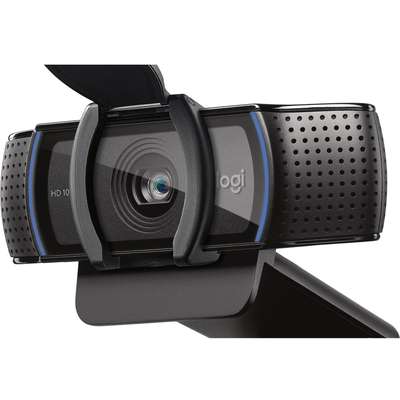
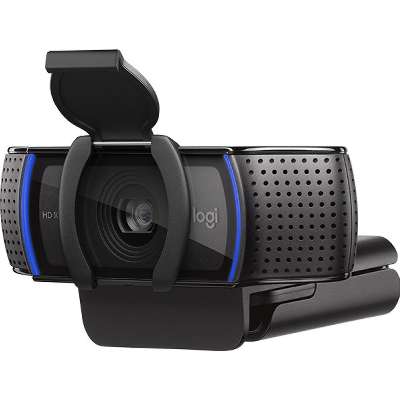
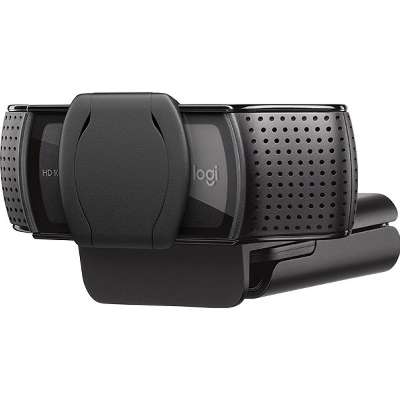
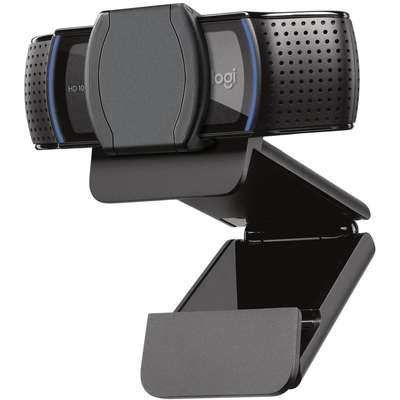
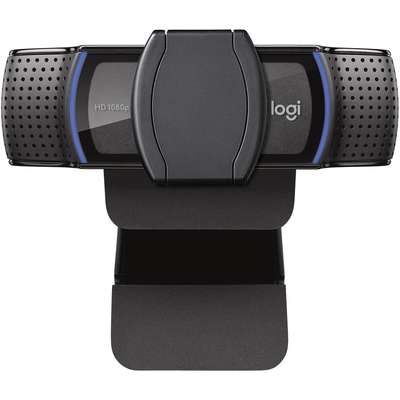
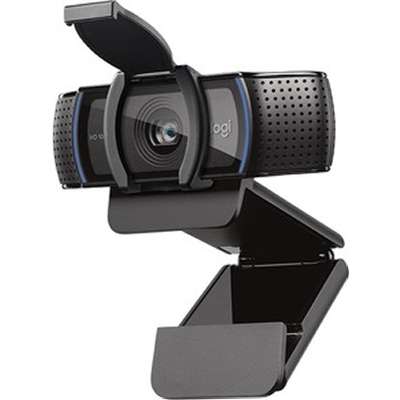
Logitech C920s is a budget-friendly, work-from-anywhere webcam that delivers a professional video meeting experience. It includes features designed to make you look and sound great in your next meeting. A 78º diagonal field of view perfectly frames you and your space, while autofocus adjusts smoothly and precisely. RightLight 2 technology automatically adjusts to your lighting situation even in low-light or backlit conditions. And dual integrated mics accurately capture your voice from multiple angles for greater nuance. If you're streaming or recording, use Logitech's Capture app to edit and customize. Flip down the lens cover at any point to protect your privacy.
 8.0
8.0



 Shop with confidence! Provantage is an authorized Logitech dealer.